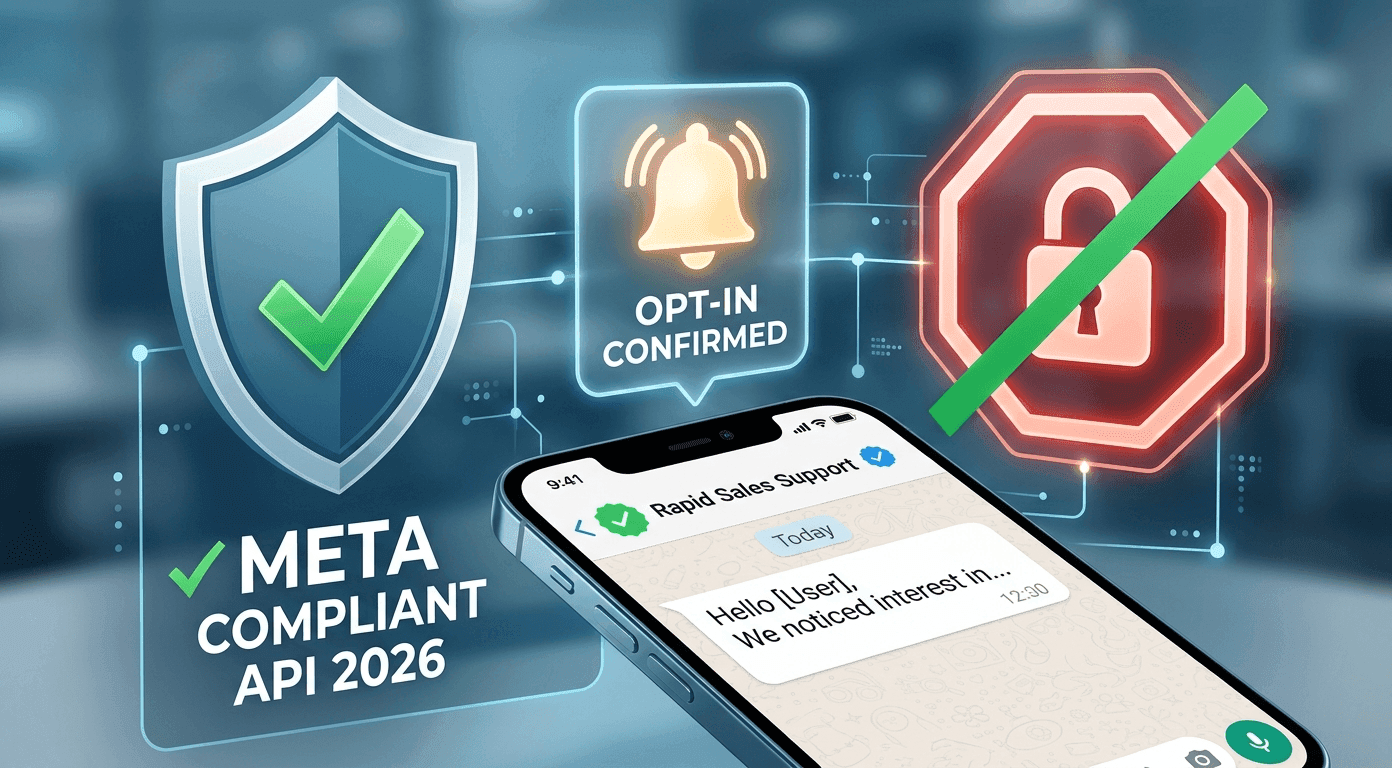
WhatsApp Outreach Without Getting Banned: The 2026 Compliance Guide
There is a terrifying screen that every growth marketer and sales founder dreads seeing: "This account is not allowed to use WhatsApp."
In an instant, your primary communication channel is severed. Customer support is paralyzed, sales follow-ups die, and your brand reputation takes a massive hit.
The temptation to abuse WhatsApp is obvious. With open rates routinely exceeding 80%, it is the most lucrative outbound channel on the planet, especially in markets like India, Brazil, and Southeast Asia. But in 2026, Meta’s anti-spam algorithms are ruthless. If you are using unauthorized hacks to send cold messages, it is not a matter of if you will get banned, but when.
If you want to scale your top-of-funnel pipeline using the world's most popular messaging app, you have to play by the rules. Here is the complete, zero-fluff guide to executing WhatsApp outreach without getting banned.
Why WhatsApp Bans Numbers (The Root Causes)
Meta does not ban numbers randomly. The algorithm looks for specific digital footprints that indicate spam behavior. Before you can scale safely, you must understand what triggers the ban-hammer.
Unofficial Chrome Extensions & "Bulk Senders"
This is the number one cause of permanent bans. Thousands of businesses use cheap Chrome extensions or unverified third-party apps downloaded from the internet to blast hundreds of messages from their standard, free WhatsApp Business App. Meta’s machine learning models can detect the unnatural speed and signature of these unofficial software wrappers instantly.
2. High "Block" and "Report Spam" Rates
WhatsApp is a user-first platform. If you buy a cold list of 5,000 numbers and message them an aggressive sales pitch, a large percentage of those users will hit the "Block" or "Report Spam" button. If your block rate spikes above a certain internal threshold (relative to your total messages sent) within a short window, your account quality rating drops to "Red," and an automated ban is triggered.
3. Violating the 24-Hour Rule
On standard WhatsApp Business accounts, blasting promotional content to users who have not interacted with you recently is heavily restricted. Sending massive volumes of identical texts outside of organic, user-initiated conversations is a massive red flag.
The 2026 Playbook: How to Scale Outreach Safely
To move from risky, manual spamming to enterprise-grade outbound sales, you must completely overhaul your infrastructure. Here is the compliant playbook.
Step 1: Migrate to the Official Meta WhatsApp Business API
The free WhatsApp Business App on your phone is meant for local stores chatting with a few dozen customers a day. It is not meant for scale.
To execute mass outreach safely, you must migrate your number to the Official Meta WhatsApp Business API.
The API is a backend infrastructure designed specifically for medium and large businesses. It costs money (Meta charges per conversation), but it provides a sanctioned, legal pathway to message thousands of users a day. Because it is an official Meta product, your baseline risk of a software-triggered ban drops to zero.
Step 2: Master the Tiered Messaging Limits
Even on the API, Meta doesn't let you message a million people on day one. They use a tiered system to prevent spam.
Tier 1: Send business-initiated messages to 1,000 unique customers in a rolling 24-hour period.
Tier 2: 10,000 unique customers.
Tier 3: 100,000 unique customers.
Tier 4: Unlimited.
You automatically move up the tiers if you hit your current limit while maintaining a "High" or "Medium" phone number quality rating. This forces businesses to send relevant, high-quality messages rather than blind spam.
Step 3: Use Pre-Approved Message Templates
When using the API, you cannot initiate a new outbound conversation by typing whatever you want. To start a conversation (or reply to a user after 24 hours have passed since their last message), you must use a Message Template.
These templates are submitted to Meta for review. Meta checks to ensure they are not overtly offensive, scammy, or violating commerce policies. Once approved, you can populate these templates with dynamic variables (e.g., "Hi {{1}}, we noticed you left {{2}} in your cart").
The Golden Rule of Outbound: "Stop on Reply"
Even with the API and approved templates, you can still get banned if your users report you for spam. The fastest way to get reported? Annoying your prospects.
If you set up an automated sequence (Day 1: Intro $\rightarrow$ Day 3: Follow-up $\rightarrow$ Day 5: Discount) and a prospect replies on Day 1 with "I'm not interested," or "How much does it cost?", you must stop the automated sequence instantly.
If your software continues to blindly send automated promotional texts to a prospect who has already replied, they will block you. Modern outbound platforms require strict "Stop on Reply" logic to protect your account quality.
How to Warm Up a New WhatsApp Business Number
If you are starting fresh with a new number on the API, do not immediately max out your Tier 1 limit of 1,000 messages. Warm the number up just like you would a cold email domain:
Day 1-3: Send 50-100 highly relevant messages to existing customers or warm leads who are expecting your message. Focus on generating positive replies.
Day 4-7: Scale up to 250-500 messages, ensuring your account quality rating remains "Green" (High Quality) in your Meta Business Manager.
Week 2 onwards: Safely hit your 1,000 limit to trigger the upgrade to Tier 2 (10,000 messages).
Safe Multi-Channel Orchestration with Rapid Sales
Managing API keys, template approvals, block rates, and "Stop on Reply" logic is technically exhausting.
Rapid Sales abstracts all this complexity. We provide a unified outbound platform natively integrated with the official Meta WhatsApp Business API. We ensure your infrastructure is 100% compliant from day one.
More importantly, Rapid Sales doesn't rely solely on WhatsApp. It orchestrates intelligent sequences across Email, AI Voice Calls, and WhatsApp simultaneously. If a prospect replies to an email, Rapid Sales instantly halts the scheduled WhatsApp follow-up, keeping your brand experience seamless, your prospects happy, and your number entirely safe from bans.
Conclusion
The era of the "wild west" WhatsApp spam is over. In 2026, Meta’s infrastructure is too smart, and the risks to your business continuity are too high.
Executing WhatsApp outreach without getting banned requires treating the channel with respect. By migrating to the official API, using approved templates, honoring the tier limits, and utilizing smart software that stops on a reply, you can unlock the massive revenue potential of WhatsApp without ever fearing the ban screen again.
Ready to scale your outreach the legal, Meta-approved way? Book a Demo Now and secure your business communication.